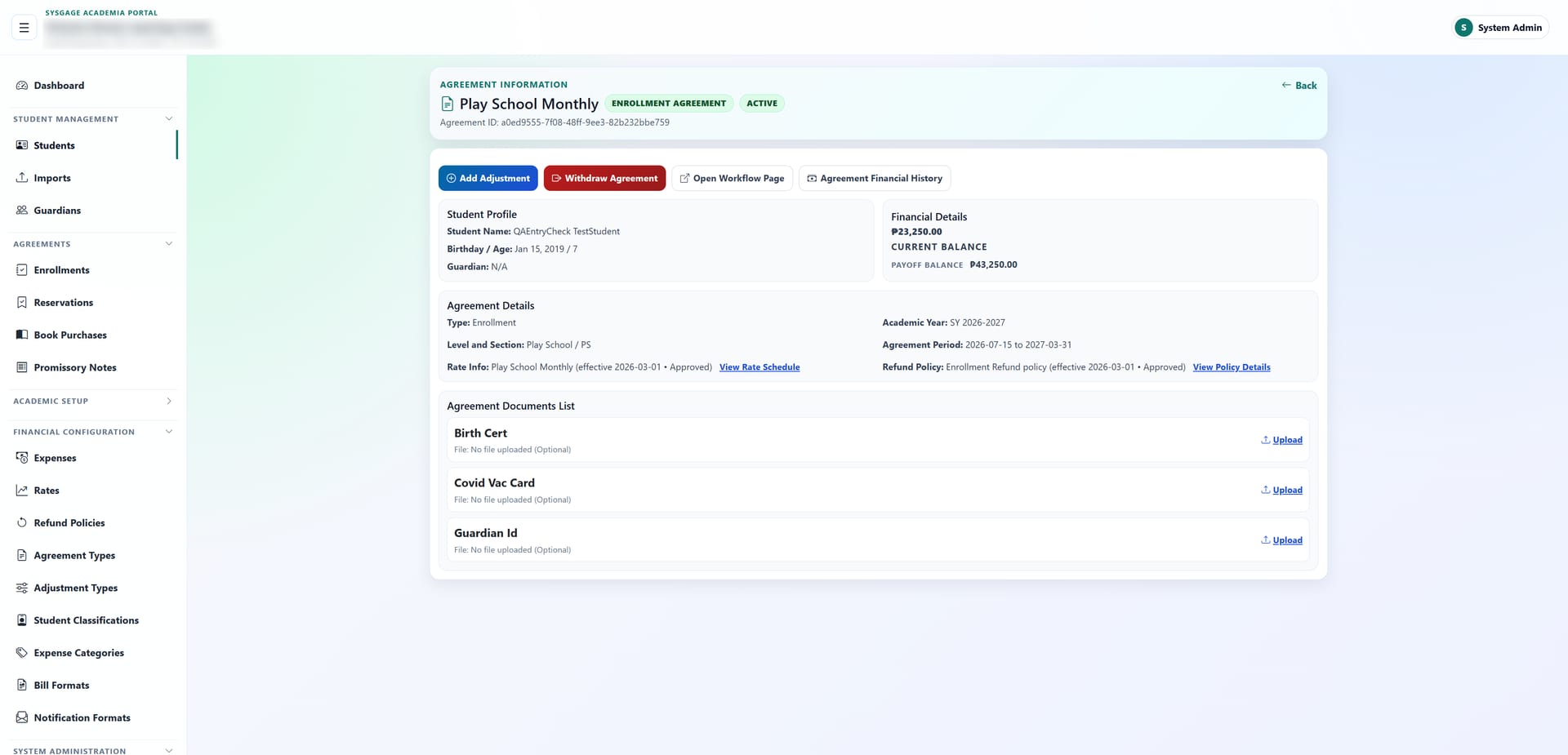
Reservations and enrollment
From seat reservation to enrolled student, with capacity checks.
Sysgage Academia · School management software
Sysgage Academia is school management software that brings enrollment, student records, billing and collections together, so your registrar, bursar and administrators work from the same up-to-date information.
In development
The problem
Enrollment forms in one place, payments in a spreadsheet, student files in a cabinet.
Parents asking “how much do I still owe?” while staff dig through records to answer.
Sections that turn out to be over capacity after enrollment closes.
Late fees and refunds worked out by hand, a little differently each time.
Sysgage Academia replaces the patchwork with one system your whole team trusts.
Why schools choose it
01 · School enrollment system
Hold a seat with a reservation, then turn it into an enrollment in a few steps. Sections can't be overfilled, so your registrar always knows how many seats are open.
Book purchases, promissory notes and withdrawals are part of the same process, with no separate forms.
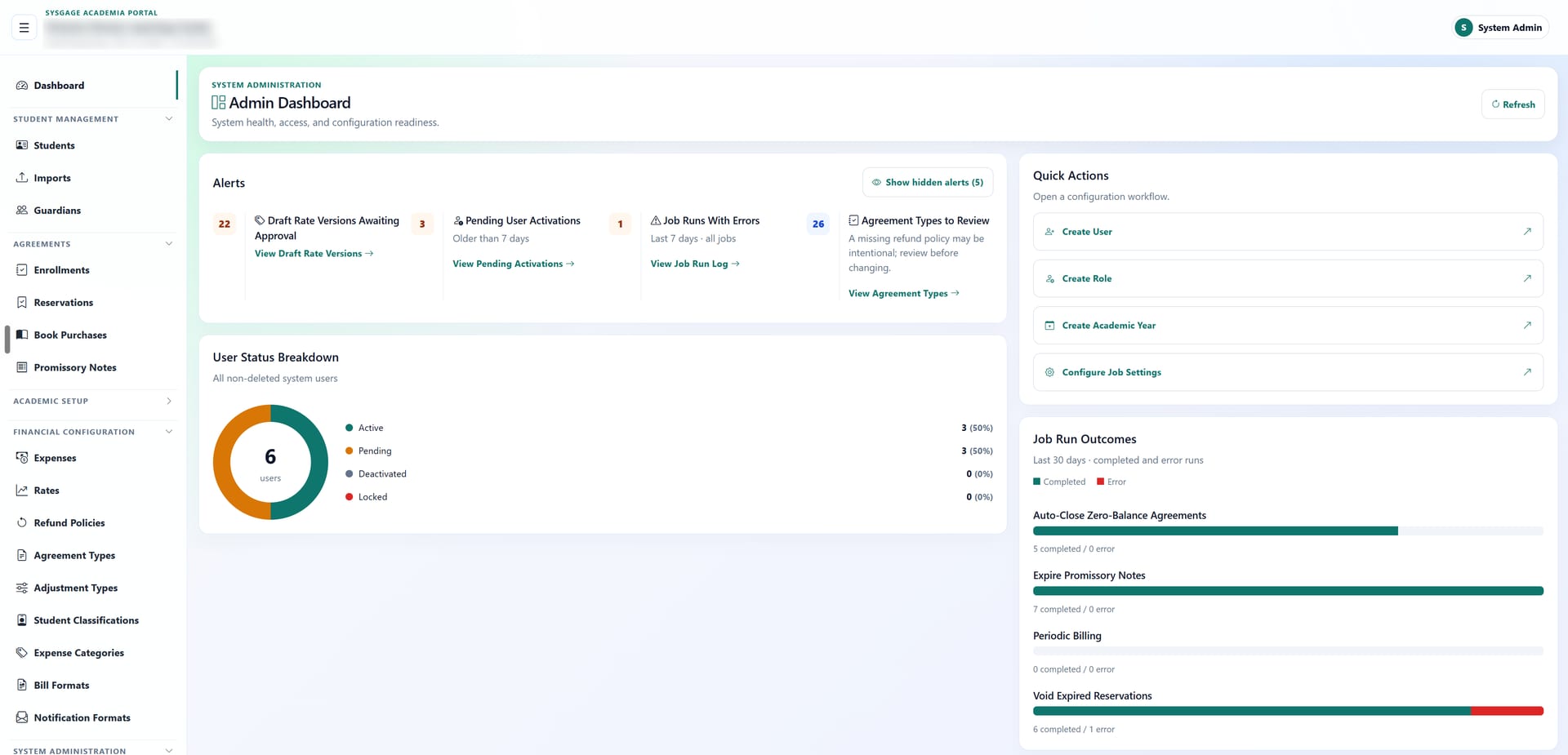
02 · School billing and tuition payments
Set your rates once and bills, penalties and recurring charges follow automatically. Rate changes are versioned, so last year's bills stay correct.
Families can view their bill or pay through a secure link, without creating an account.
03 · Student information system
Profile, guardians, documents, medical records, achievements and full financial history on one page. Answer any parent's question in seconds.
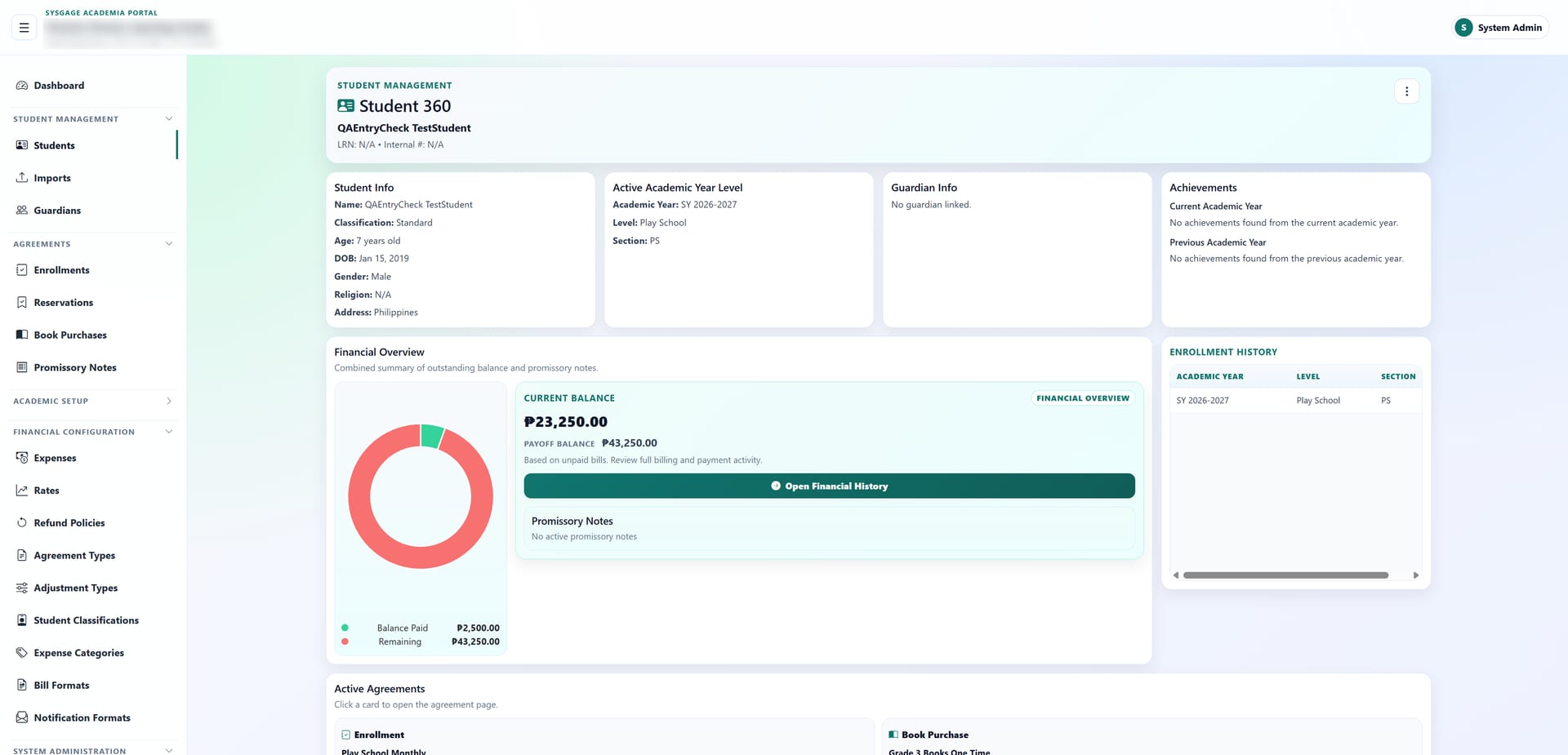
04 · Roles and permissions
Administrators, registrars and bursars each get their own dashboard showing the numbers and alerts that need action today. Staff see only what their role allows, so sensitive records stay protected.
All features
From seat reservation to enrolled student, with capacity checks.
Profiles, guardians, documents, medical records and achievements.
Bills, payments, adjustments and complete financial history.
Versioned pricing and consistent refunds.
Payment arrangements tracked against each student's balance.
Families view and settle bills through a secure link.
Bills and notifications in your school's own wording.
School years, grade levels and sections with class rosters.
Admin, Registrar and Bursar views with live alerts.
You decide who sees and does what.
Bring in your existing student list at once.
Record and categorize school expenses.
How it works
We show you Sysgage Academia using examples like your school's.
We help you load your school years, sections, rates and student list.
Your team starts working from one system on day one.
FAQ
Each staff member signs in with their own account and sees only what their role allows.
Yes. Bulk import loads your student list, and every import is logged so you can review it.
Yes. Rates, adjustment types, refund policies and student classifications are all set by you.
No. Parents receive a secure link to view their bill or make a payment.
Book a 30-minute demo and see how Sysgage Academia handles a full enrollment period, from reservation to payment.