Skip to content
  • LocationSan Pedro, Laguna, Philippines
  • Office hoursMon–Fri, 8:00 AM – 5:00 PM PHT (UTC+8)

Sysgage Custom Fields

Custom fields, repeaters, flexible content and options pages for any edit screen, compatible with ACF code.

Version 1.0.0Updated November 26, 2026

Version 1.0.0. Requires WordPress 6.4+ and PHP 7.4+. Tested up to WordPress 7.1.

Sysgage Custom Fields adds custom fields to any WordPress edit screen and lets you show them anywhere on your site. It covers everything Advanced Custom Fields PRO does:

  • field groups with 36 field types, including the PRO ones: Repeater, Flexible Content, Gallery and Clone
  • options pages, built in the admin or in code
  • field blocks (acf_register_block_type() and block.json compatible) and block bindings
  • post types and taxonomies created from the admin
  • bidirectional relationships, conditional logic, Local JSON, the REST API, front-end forms and WP-CLI

Values are stored in ACF's format and the plugin provides ACF's template functions (get_field(), have_rows()…) and hooks, so themes built for ACF keep working. It also runs side by side with Sysgage Content Types without conflicts (see 10.5).

This guide is for buyers comparing features and for developers building with the plugin.
Screenshots

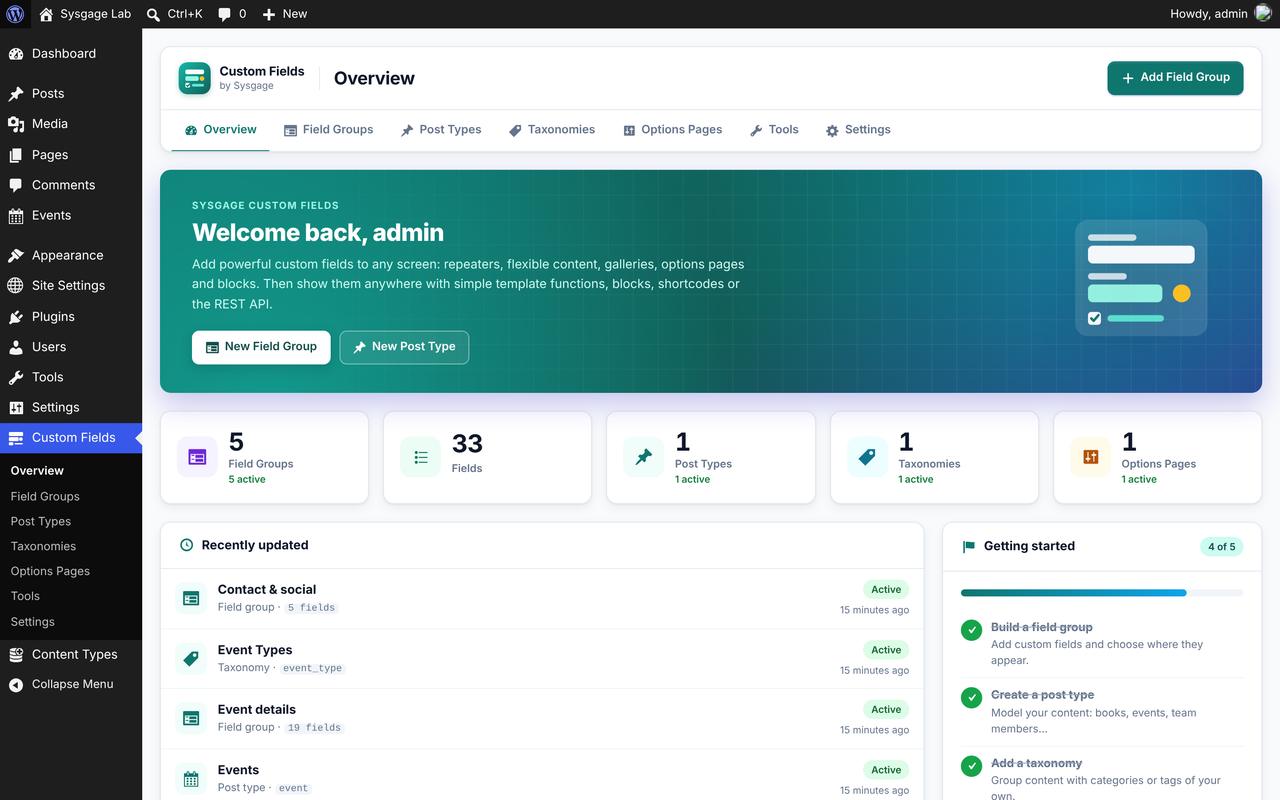
Sysgage Custom Fields: Custom Fields overview
Custom Fields overview
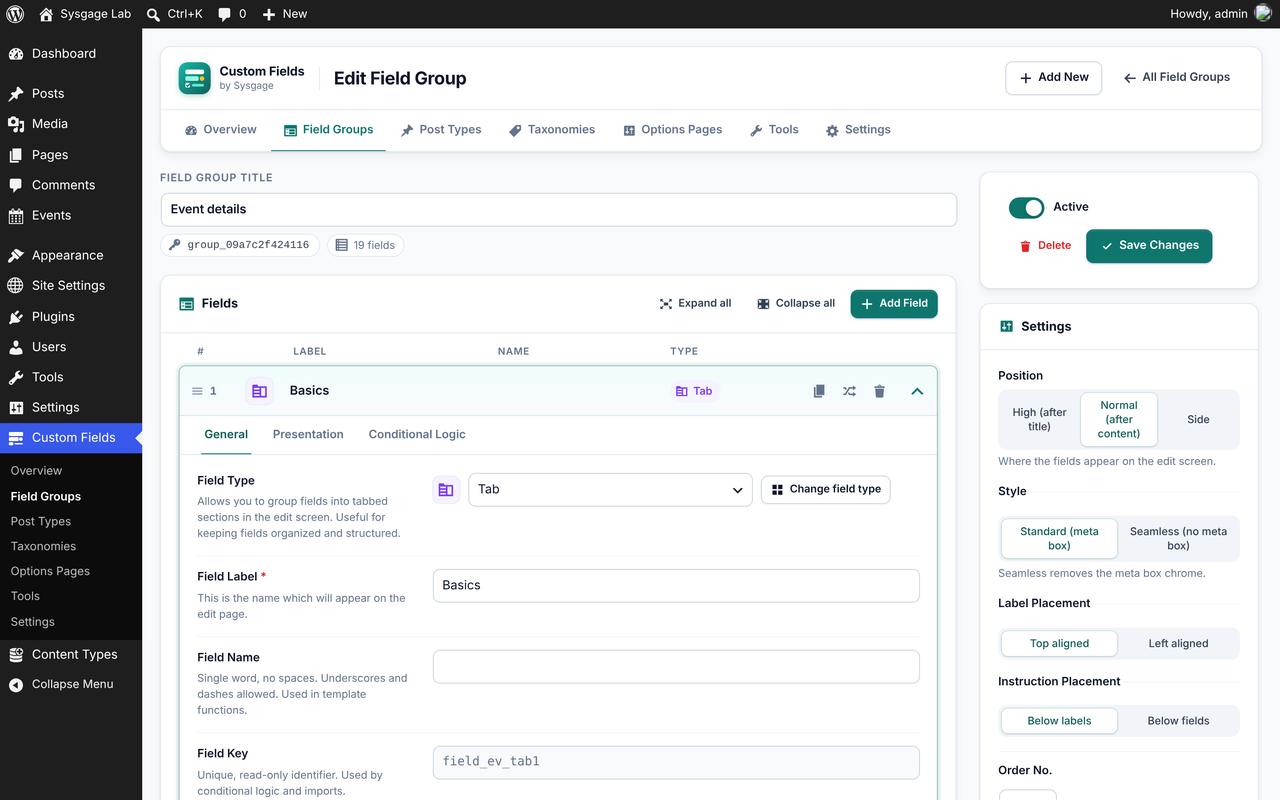
Sysgage Custom Fields: Field group builder
Field group builder
Sysgage Custom Fields: Choose from more than 30 field types
Choose from more than 30 field types
Sysgage Custom Fields: Flexible content layouts
Flexible content layouts
Sysgage Custom Fields: Fields on an edit screen
Fields on an edit screen
Sysgage Custom Fields: Options page
Options page
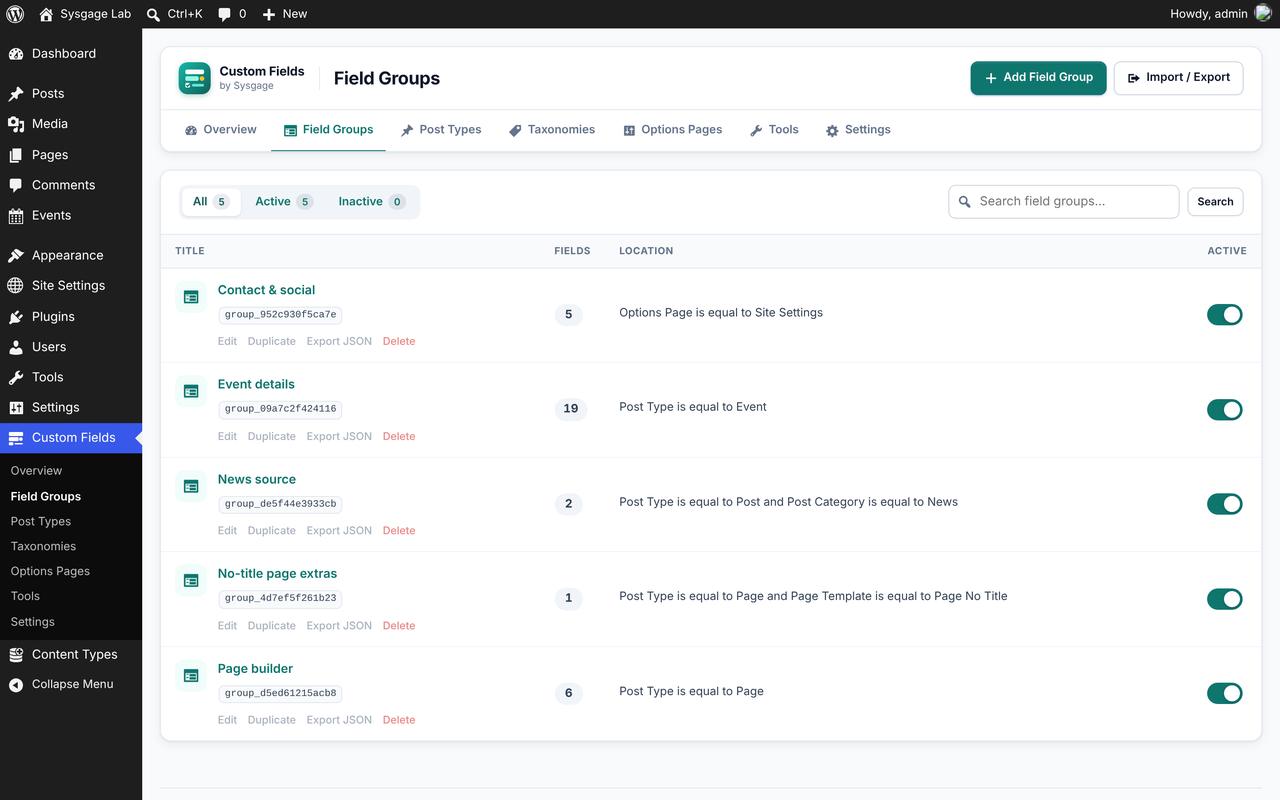
Sysgage Custom Fields: Field groups
Field groups
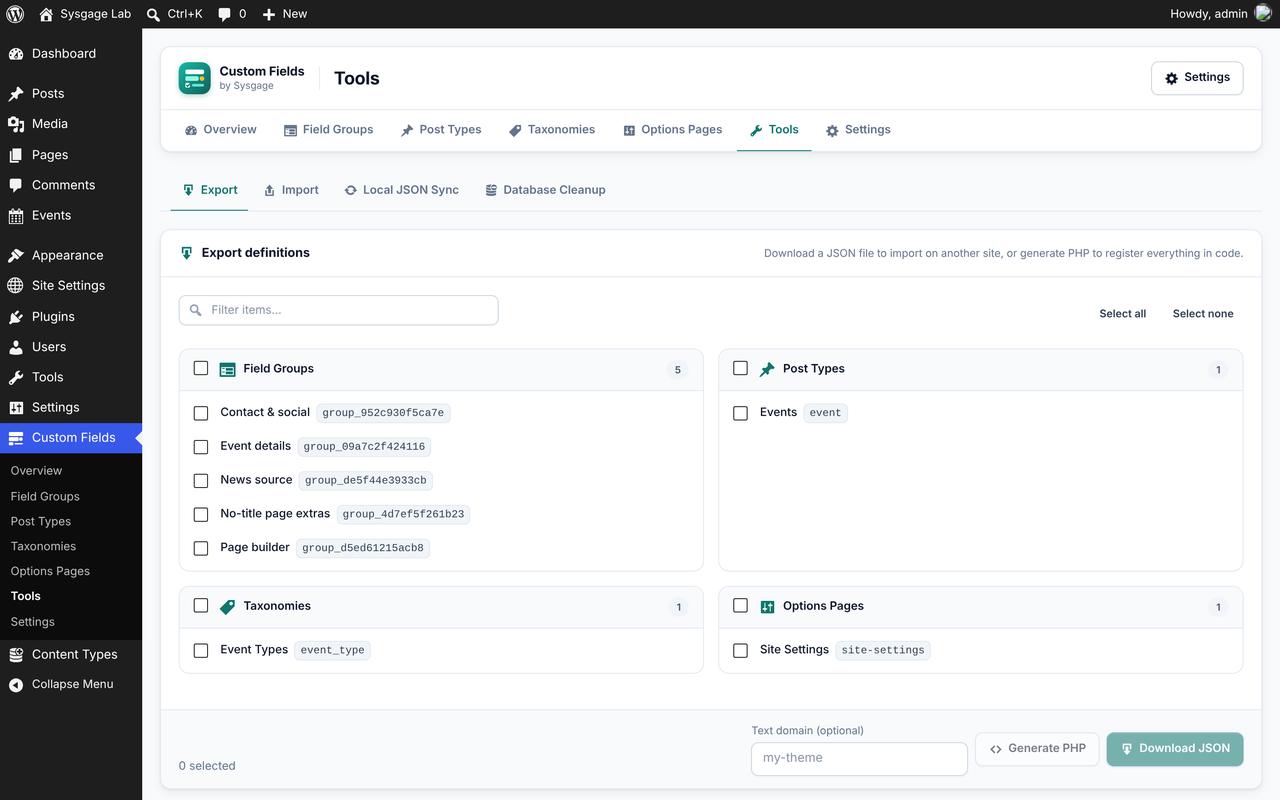
Sysgage Custom Fields: Export to JSON or PHP
Export to JSON or PHP

User guide

  1. Features Everything Sysgage Custom Fields does, feature by feature.
  2. Install and first steps Version 1.0.0
  3. Key ideas in two minutes
  4. Create your first field group Example: an "Event details" box on the Events post type with a subtitle, a date and a ticket price.
  5. Choose where fields appear Location rules decide where a field group shows up. A rule reads like a sentence: Post Type is equal to Event.
  6. Fill in fields as an editor Open a post that matches your field group. The fields appear in a box:
  7. Show field values on your site There are four ways. Pick whichever fits how your site is built.
  8. Repeaters: lists of rows A Repeater holds any number of rows, and each row has the same sub fields. Use it for speakers, FAQs, opening hours, team members and so on.
  9. Flexible content: build pages from sections Flexible Content lets editors build a page from sections (called layouts) in any order: a hero, then a text block, then a call to action, and so on.
  10. Gallery and clone fields Gallery. Pick several images at once from the Media Library. Editors can drag to reorder, click an image to edit its title, caption and alt text, and choose…
  11. Show or hide fields with conditional logic Show a field only when it is needed. Example: show Ticket price only when Admission is set to Paid.
  12. Link items both ways (bidirectional relationships) Example: events have a Speakers field (users), and speakers' profiles have an Events field. With bidirectional linking, choosing Ana as a speaker on an event also adds the…
  13. Options pages for site-wide settings Use an options page for values that belong to the whole site: contact details, social links, a site-wide announcement.
  14. Custom post types and taxonomies You can create post types (Events, Portfolio, Team) and taxonomies (Event Type, Department) without code.
  15. Blocks: field values in the block editor The Custom Field Value block. Add it anywhere in a post, template or pattern and pick the field in the block sidebar. It shows the value of the…
  16. Import, export and Local JSON All of this is under Custom Fields > Tools.
  17. Moving from ACF or ACF PRO Your theme's get_field(), have_rows(), the_sub_field() and so on, the [acf] shortcode, the REST acf property, acf_add_options_page(), acf_register_block_type() and the common acf/... hooks keep working.
  18. Using it with Sysgage Content Types Both Sysgage plugins can be active on the same site with no conflicts.
  19. Settings Custom Fields > Settings:
  20. Troubleshooting My field group does not appear on the edit screen. - Check that the group is Active (the toggle on the Field Groups list). - Check the location…
  21. Changelog What changed in each version of Sysgage Custom Fields.