
Version 1.1.4
Screenshots

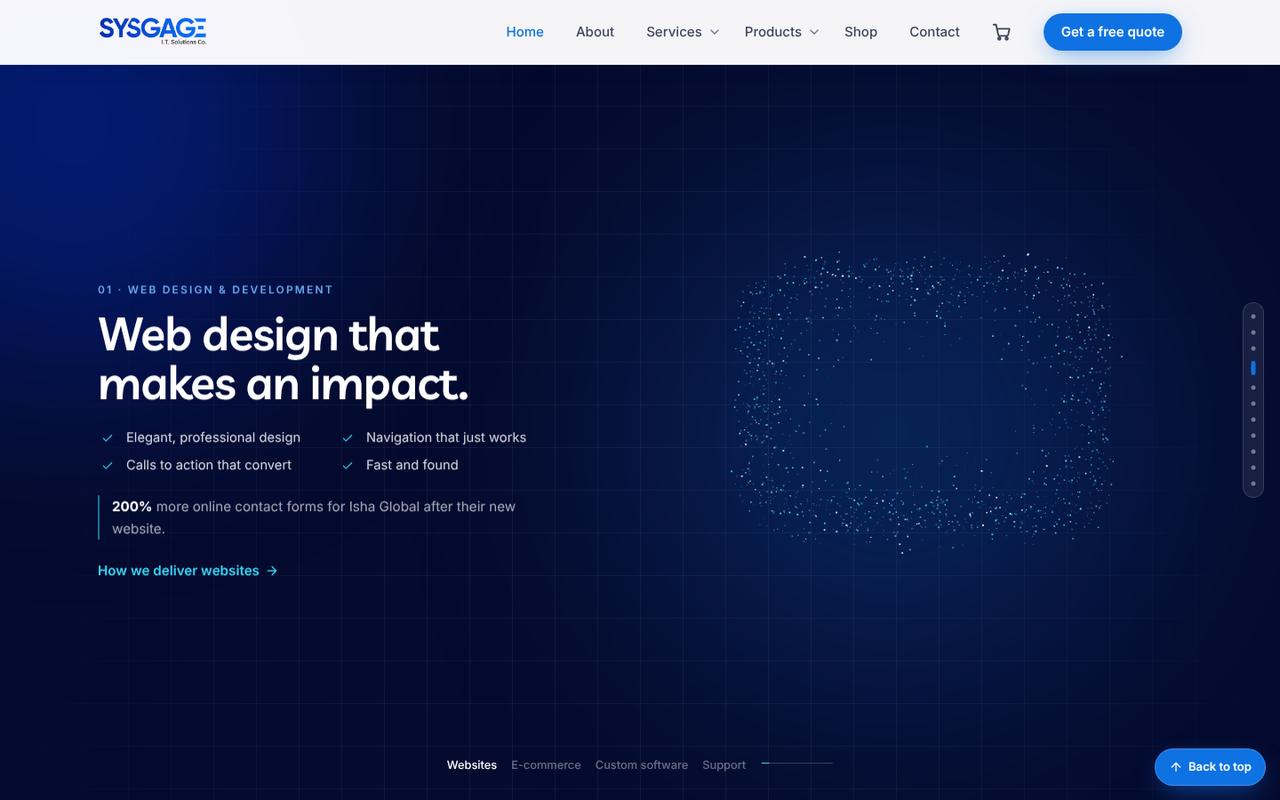
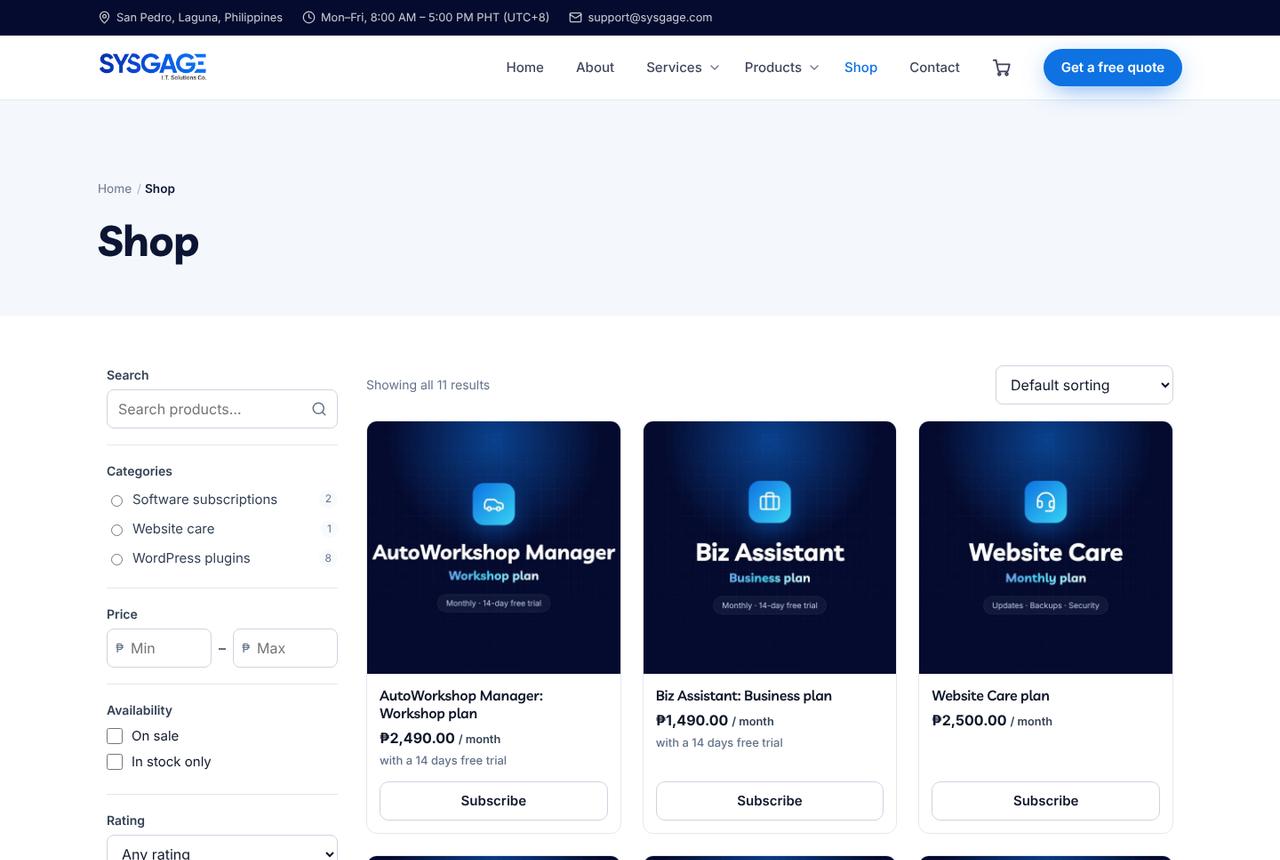

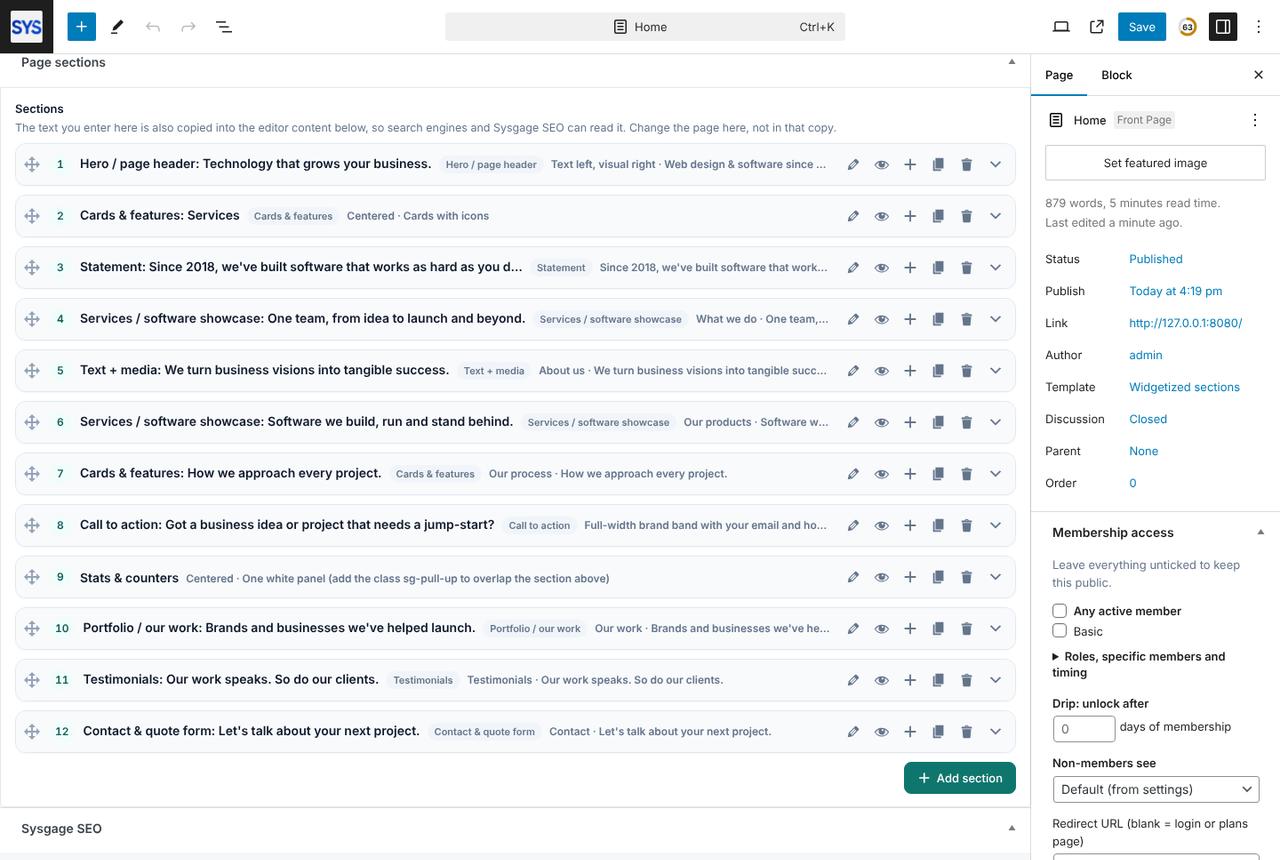
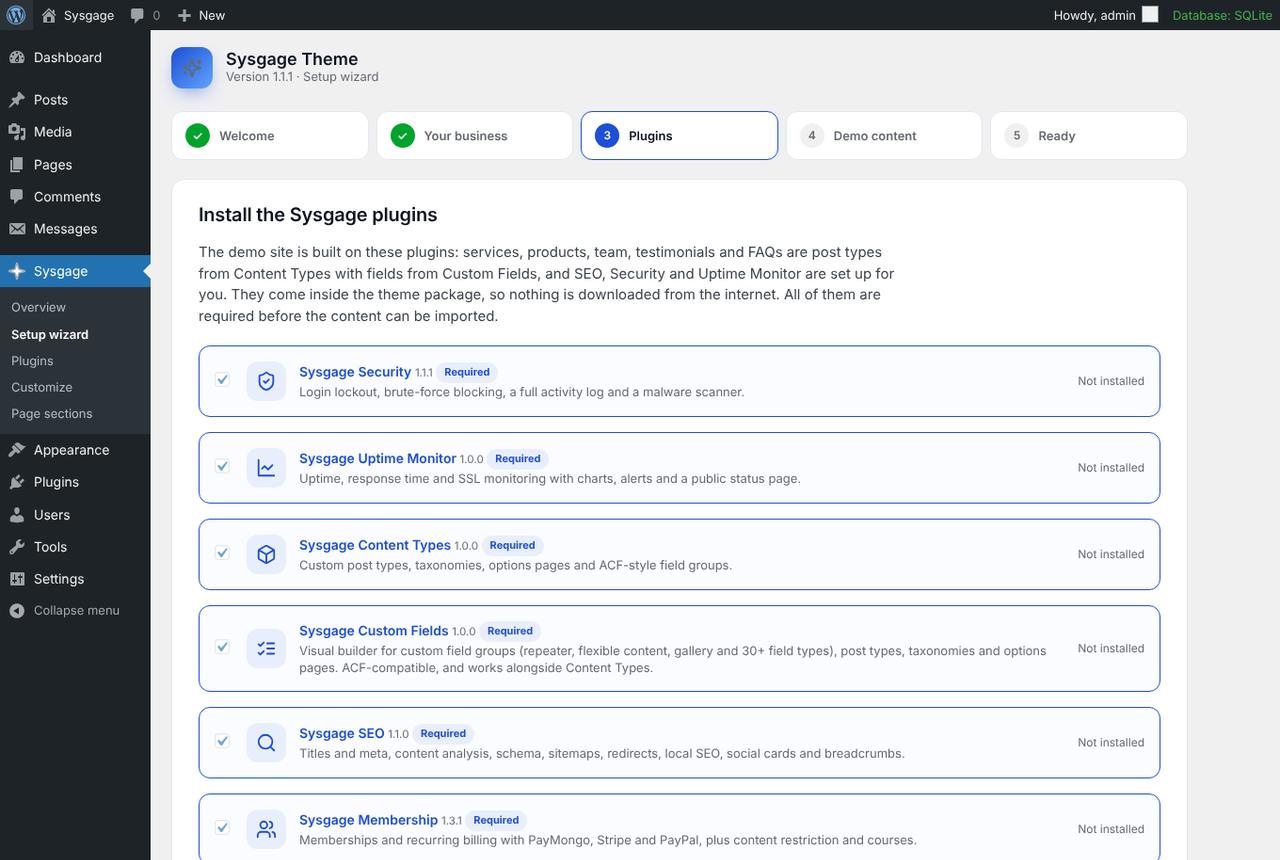

User guide
- Features Everything Sysgage Theme does, feature by feature.
- Install the theme Version 1.1.0 · For WordPress 6.4 or newer and PHP 7.4 or newer.
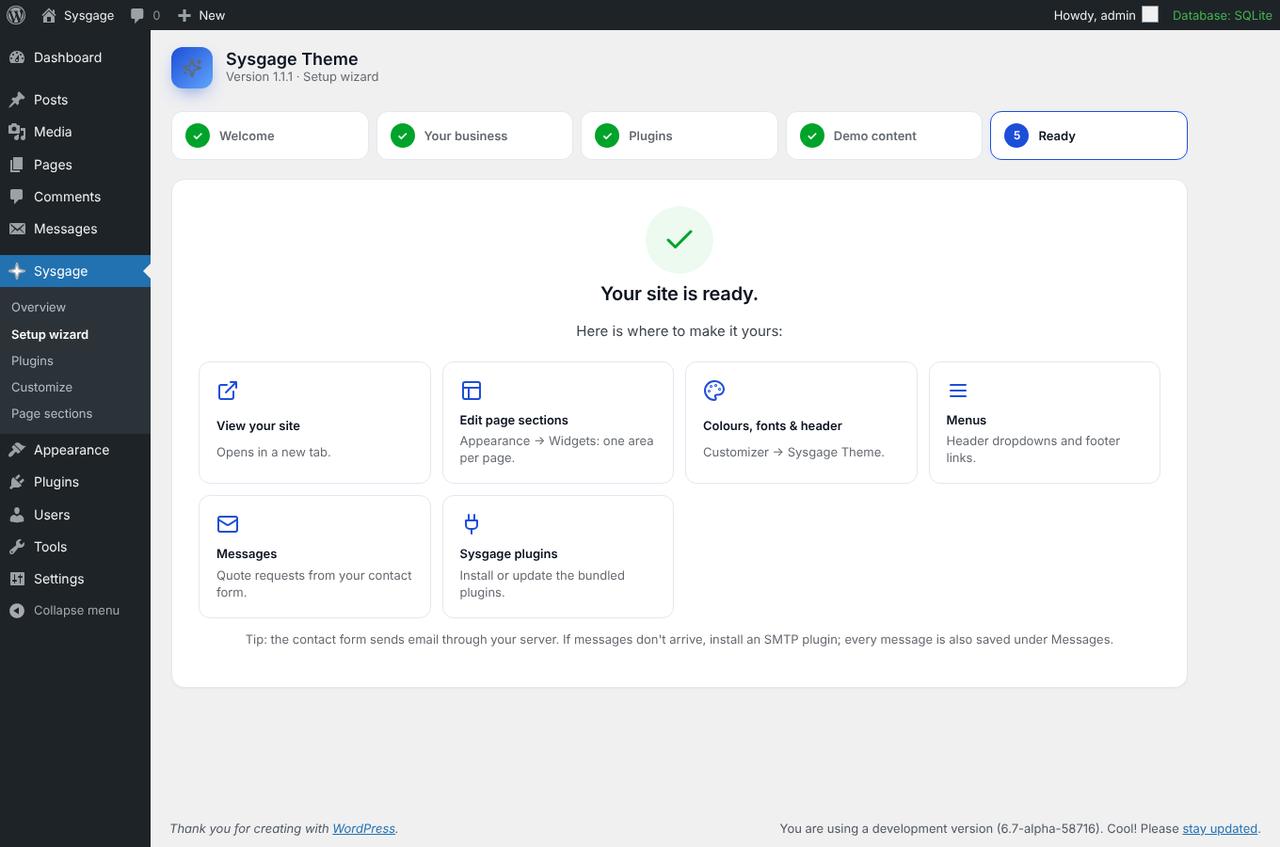
- Run the setup wizard The wizard has five steps. You can go back to any step.
- Edit page content Open any page that uses the Widgetized sections template (Home, About, Services, Products, Contact), or any service or software entry, and you will find a Page sections box…
- Services, software and other entries Repeated content lives in post types (made with Sysgage Content Types) with custom fields (made with Sysgage Custom Fields). The setup wizard creates them; you can change them…
- Add a new page Other templates:
- Customize the look (Customizer) Go to Appearance > Customize > Sysgage Theme. Every change shows a live preview before you publish.
- The contact form The quote request form appears wherever you add the Contact & quote form widget or the [sysgage_contact_form] shortcode.
- Bundled Sysgage plugins Sysgage > Plugins shows the eight plugins that come with the theme, with their status (not installed, inactive, active or update available). All of them are required by…
- Documentation and product releases The theme gives your website a Documentation section at /docs/ (the Docs link in the main menu). Each product you sell gets:
- Shortcodes
- Troubleshooting
- Child themes and developers Use a child theme for code changes so updates don't overwrite them. Useful hooks:
- Changelog What changed in each version of Sysgage Theme.